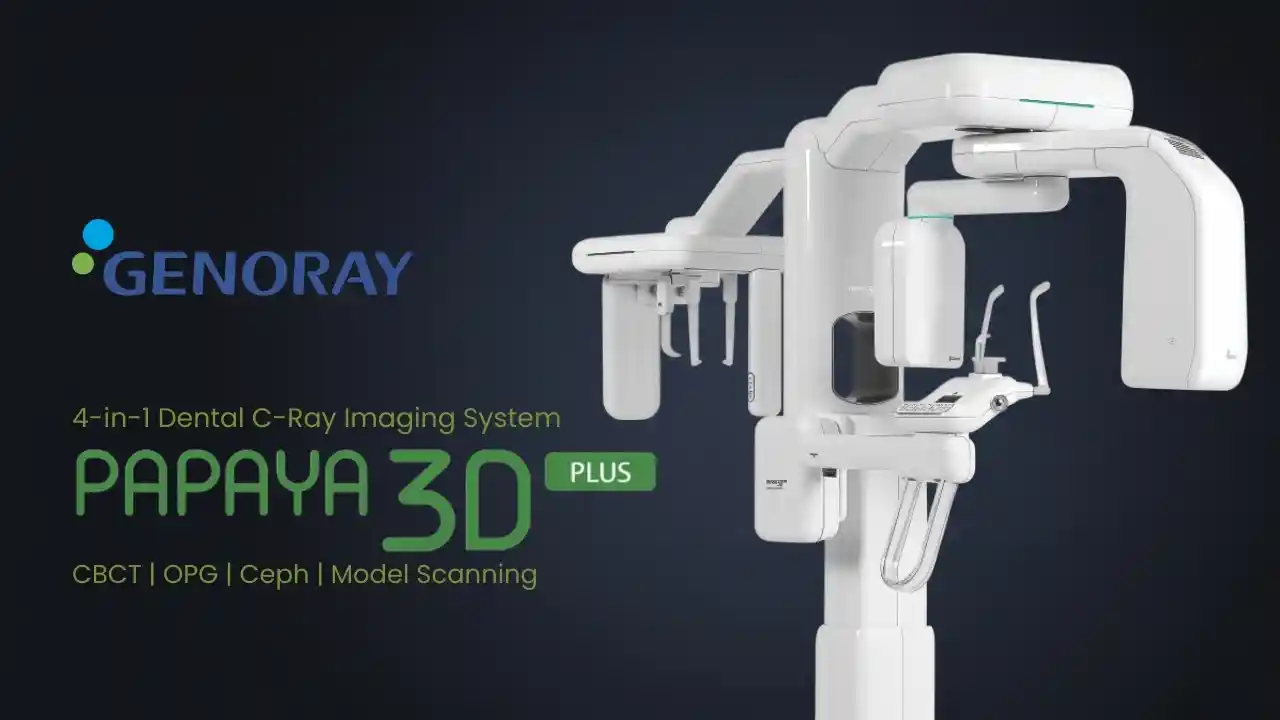
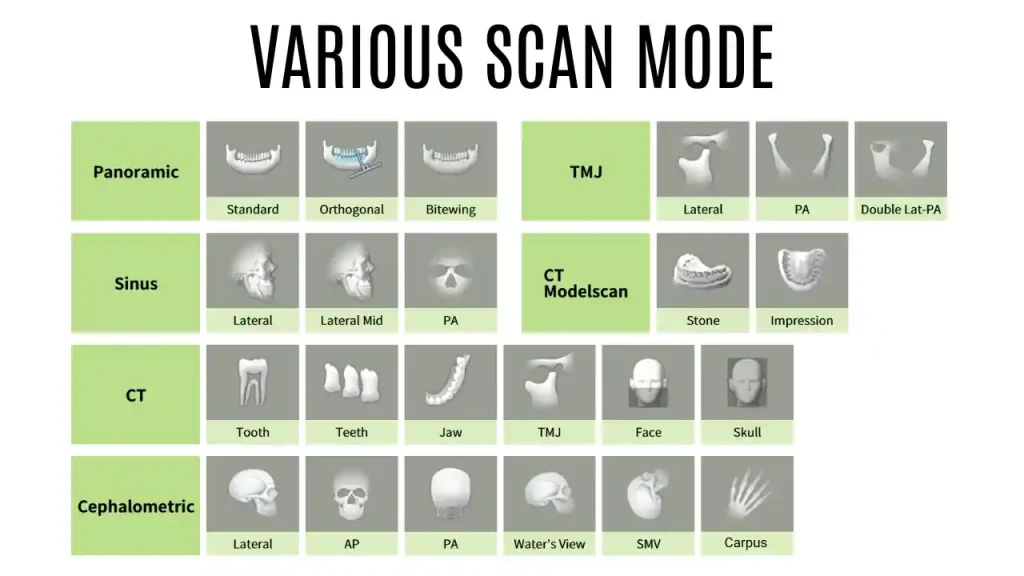
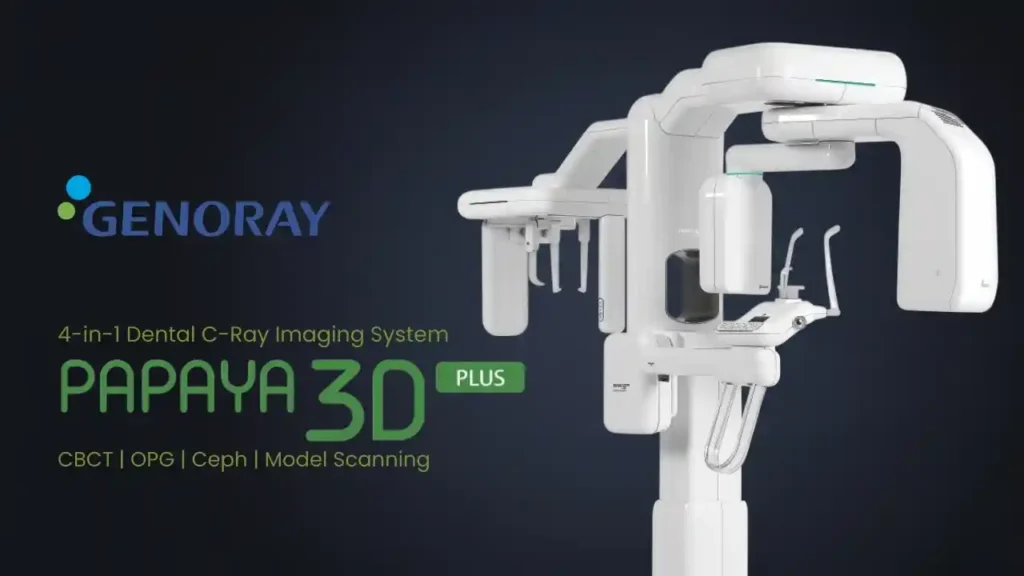
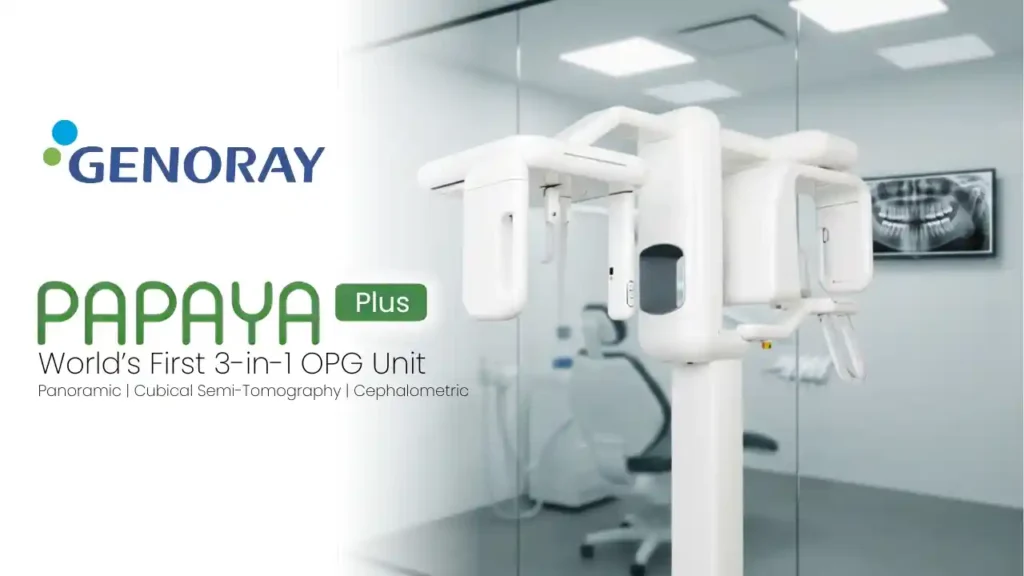
Versatile Imaging Capabilities: Genoray Papaya 3D combines 3D CT, panoramic, and optional cephalometric imaging to comprehensively address all diagnostic requirements.
Award-Winning Design: Recognized for its exceptional design, Papaya 3D received awards from the Korea Ministry of Design Motivation and KEIT’s Design Grand Prize, reflecting its innovative and aesthetically pleasing features.
Dedicated CMOS Flat Panel Sensors: Equipped with three dedicated CMOS flat panel sensors for Pano, Ceph and 3D imaging needs, ensuring long-lasting performance and sensor longevity. No overload on a single sensor for both 2D and 3D imaging.
Scout Mode for Error Avoidance: Scout mode facilitates accurate positioning, minimizing errors during image acquisition.
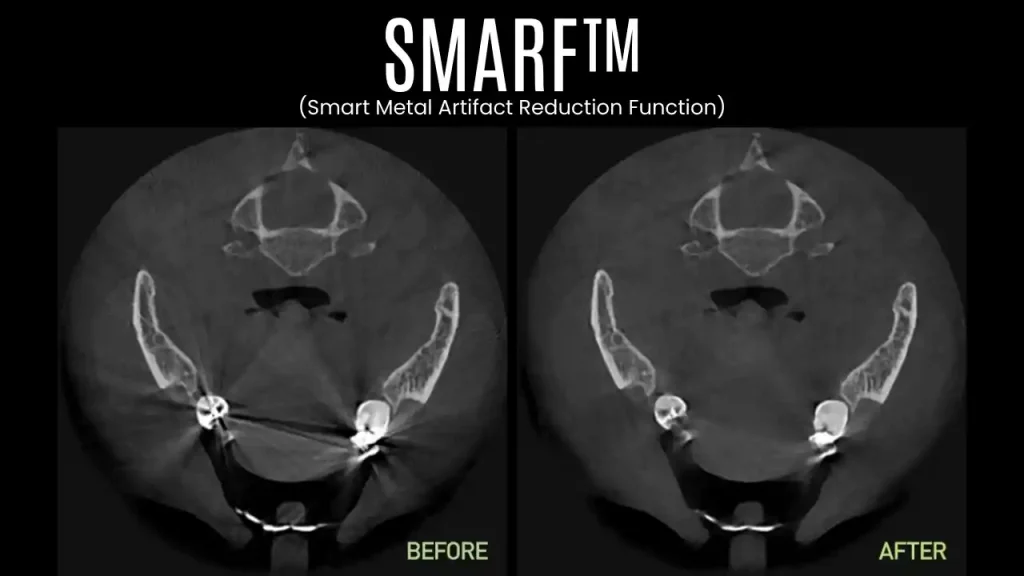
Smart Metal Artefact Removal (SMARF): Enhanced image clarity through intelligent metal artefact removal technology.
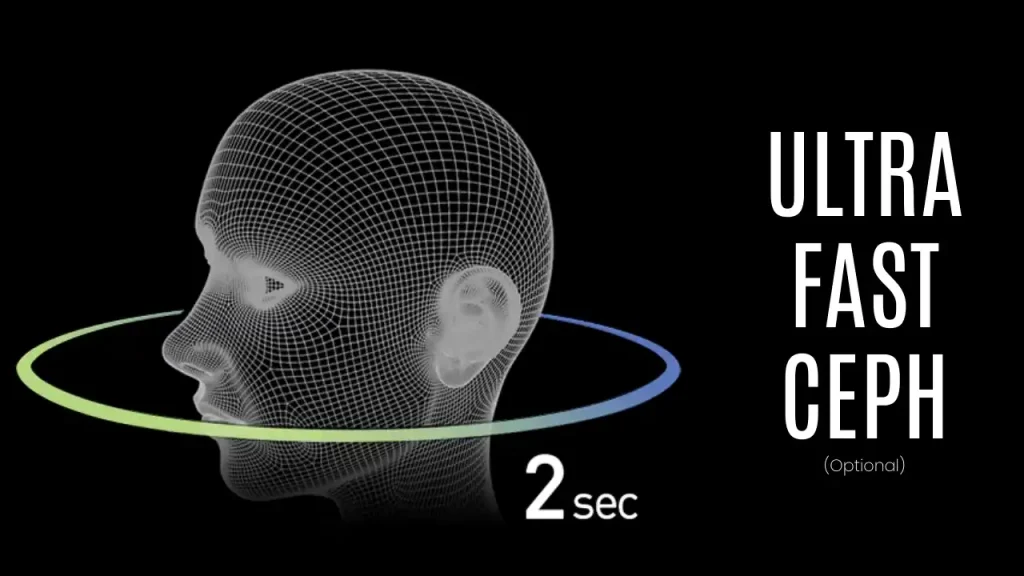
2Sec Ceph (plus): Innovative sensor technology enables the acquisition of cephalometric images in just 2 seconds, reducing the risk of patient movement and improving image quality.
Zero Error Imaging: Reliable and accurate imaging capabilities for precise implant planning.
Flexible Scan Modes: Choose from three scan modes: Normal, Fast, and HD, catering to diverse clinical needs.
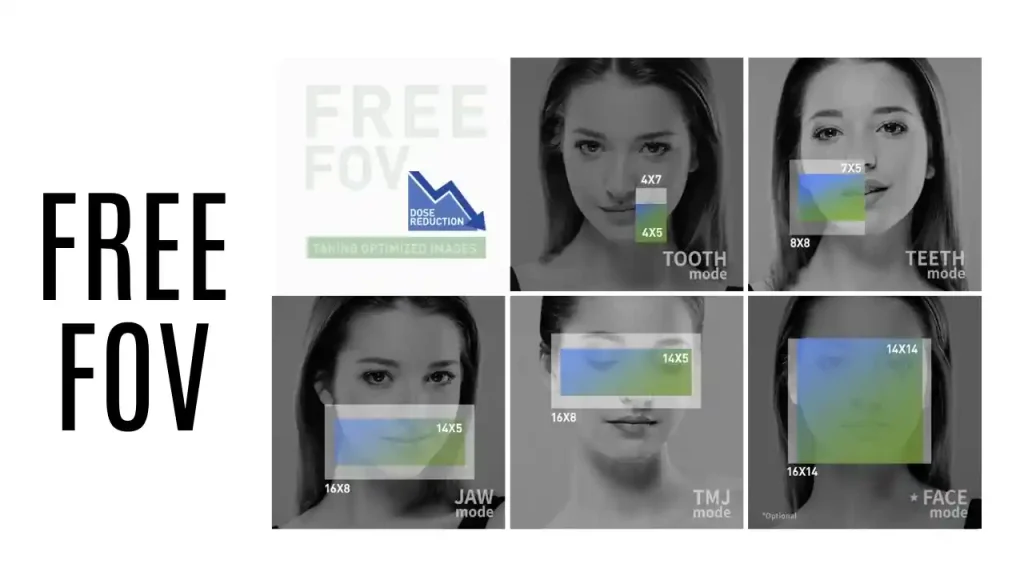
Wide Range of Field of View (FOV): Papaya 3D offers 19 FOV options, from 4×5 to 16×14 suitable for a variety of dental practices.
Optimized Voxel Sizes: Specific FOVs with voxel sizes such as 75, 100, 150, and 200 microns cater to specialized cases like Endodontics, Periodontics, TMJ, and Maxillofacial procedures.
Rapid Scanning and Reconstruction: Efficient scanning with a scanning time ranging from 7.7 to 14.5 seconds, coupled with reconstruction in less than 1 minute.
Model Scanning Capability: Papaya 3D (+) can scan both impressions and plaster casts, providing digitized models in STL format for immediate use, reducing the need for physical plaster casts.
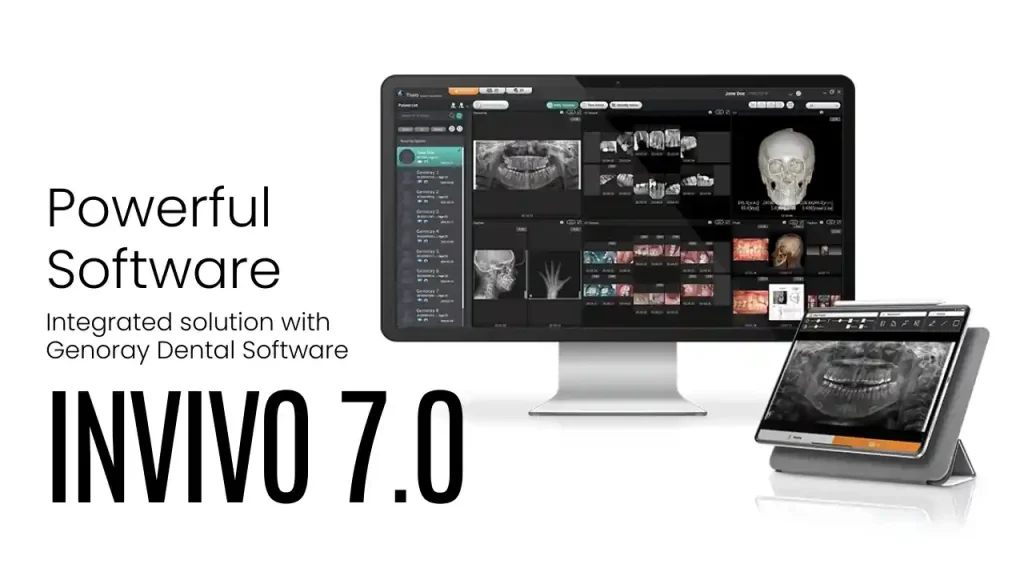
DICOM Compatibility: Easily share images in DICOM® format, supporting open software architecture for software solutions tailored to your needs.
Robust and Secure Design: Sealed base and columns protect against pests like rats, lizards, and cockroaches, preventing wire cutting and short-circuiting.
Easy Installation: Self-standing design eliminates the need for drilling into walls or floors, ensuring hassle-free setup.
Wheelchair Accessible: Designed to be wheelchair accessible for patient convenience and inclusivity.




Reviews
There are no reviews yet.